| Member Login |
| Search Forum |

|
Incidents |
|
If you can't find your answer in the FREE PUBLIC QDeveloper Forum, require URGENT Priority Support, or you need to send us private or confidential information: |
|
|
|
If you can't
login and post questions or you are having trouble viewing forum posts: |
|
Support |
|
If you live in USA, UK, Canada, Australia or New Zealand, you can leave us details on your question and request us to call you back and discuss them with you personally (charges apply). |
|
|
|
Incidents |
| If you can't find your answer in the FREE PUBLIC QDeveloper Forum, require URGENT Priority Support, or you need to send us private or confidential information: |
|
|
| Forum : How do I upload images to my forum post? | Search Forum | |
Forum Home > QODBC - ODBC Driver for QuickBooks > QODBC Frequently Asked Questions | ||
|
|
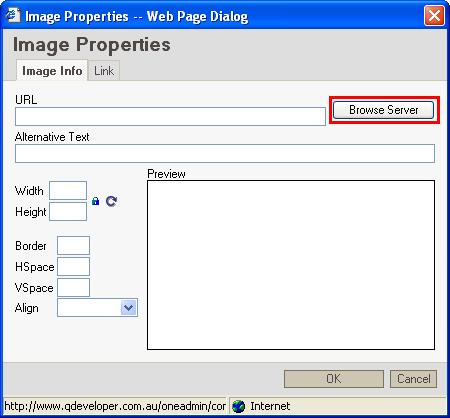
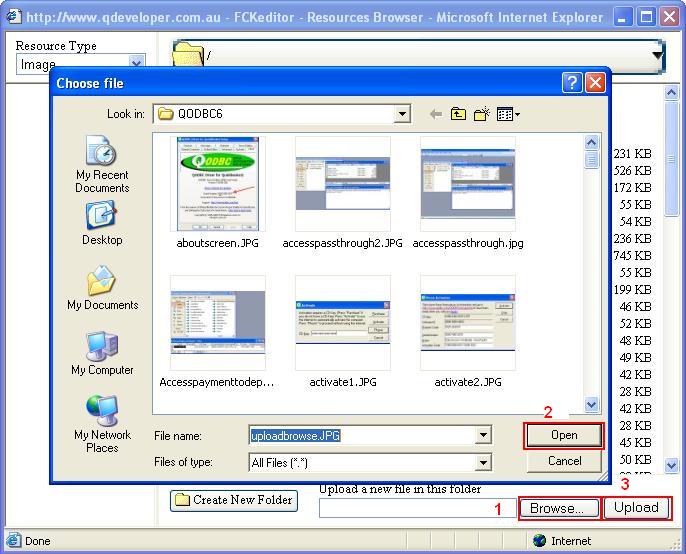
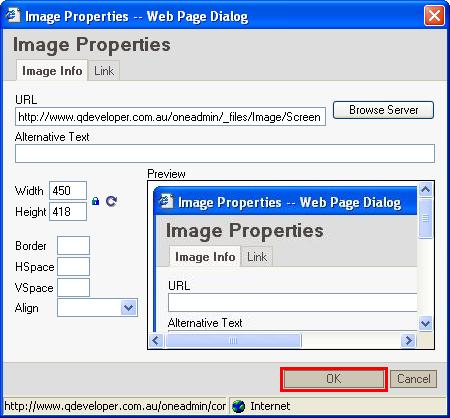
| How do I upload images to my forum post? | ||||||||||||||||||
| Author | Message | |||||||||||||||||
|
|
|||||||||||||||||


|
|