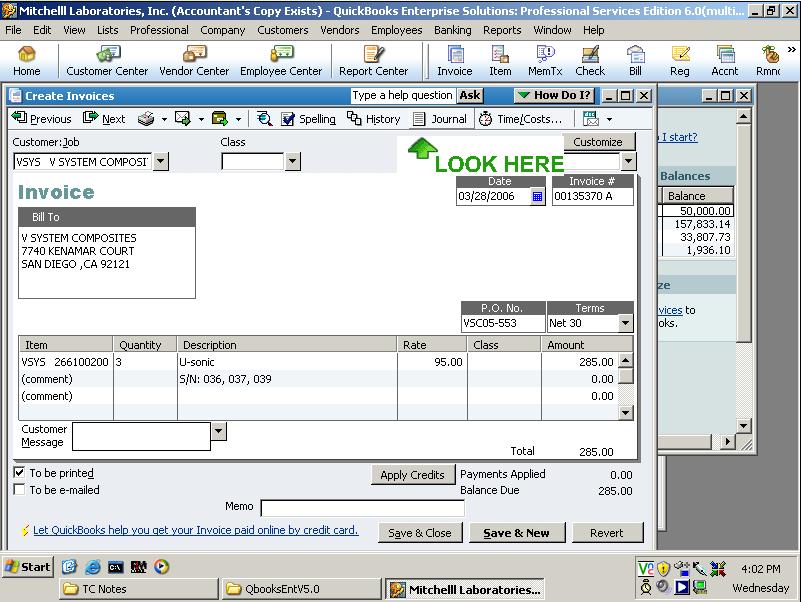
I can't show you how you set up your accounting system, but for example, when using the Rock Castle Construction QuickBooks 2006 sample company file: sample_product-based business.qbw, if you look at Invoice No. 142:
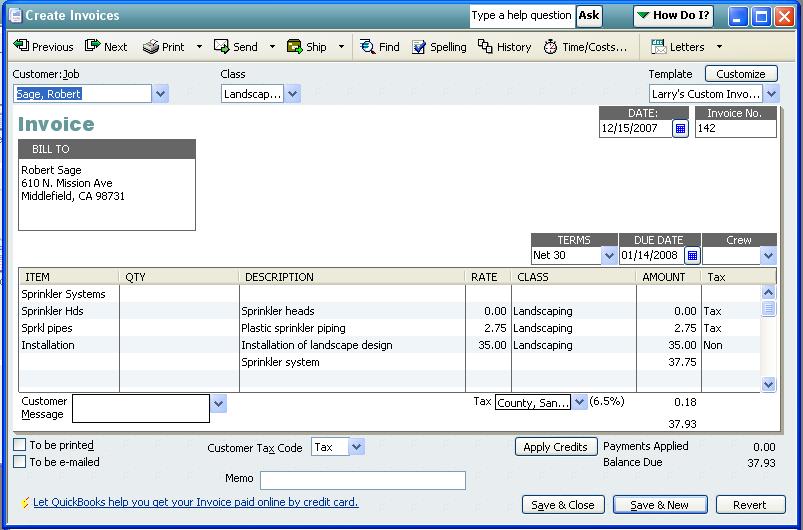
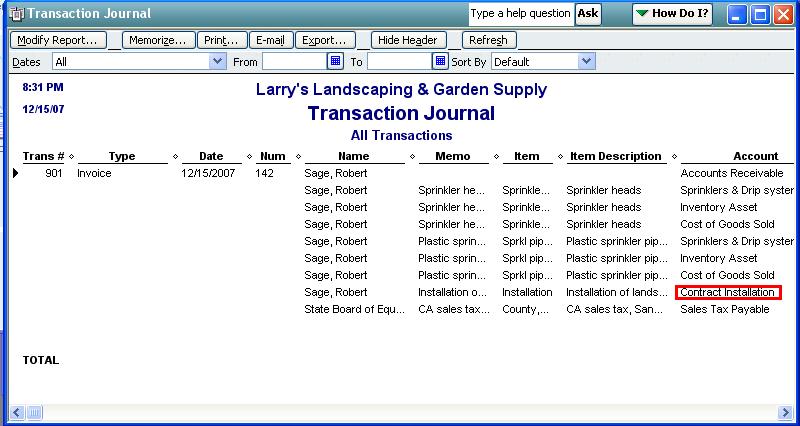
You will see that the Transaction Journals for Invoice No. 142 are posted to these accounts:

To determine what Items have been used in Invoice No. 142, we run the following query:
SELECT InvoiceLineGroupItemGroupRefListID,
InvoiceLineGroupItemGroupRefFullName,
InvoiceLineItemRefListID, InvoiceLineItemRefFullName,
InvoiceLineDesc FROM InvoiceLine where RefNumber='142'

Using the ListID it's easy to see where the accounts come from. For the stock parts its:
SELECT Name, AssetAccountRefListID, AssetAccountRefFullName
from ItemInventory where ListID='90000-934380927'
or ListID='A0000-934380927'
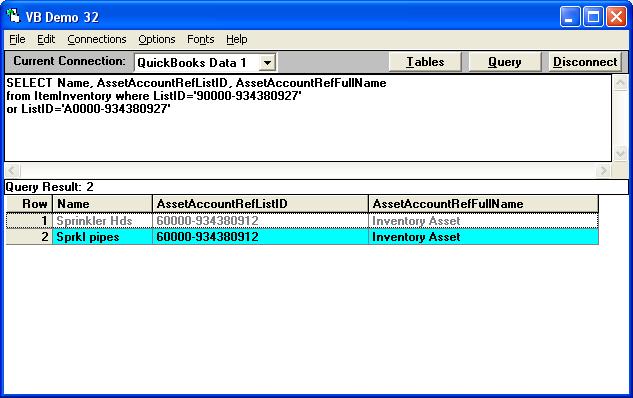
while for the Service item (which is the type of item you are using, it's:
SELECT Name, SalesOrPurchaseAccountRefListID,
SalesOrPurchaseAccountRefFullName
from ItemService where ListID='30000-934380927'
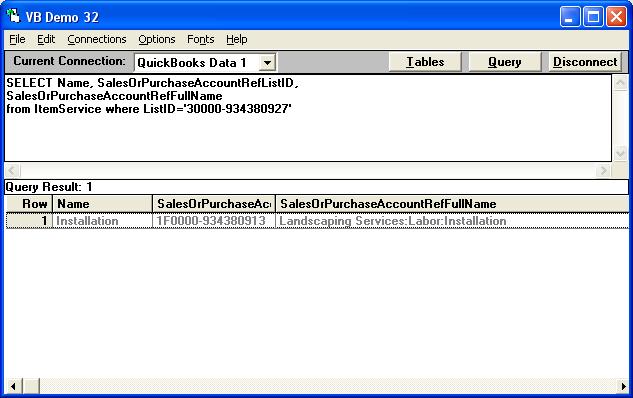
If you look at the Chart of Accounts, you will find the Installation subaccount:

If I edit the subaccount name from "Installation" to "Contract Installation":
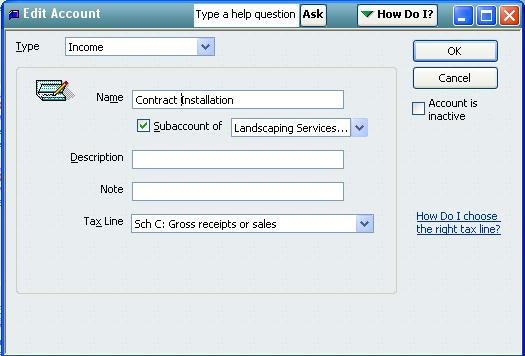
Then my 1000 invoices will now say "Contract Installation" too!
If you're actually asking how to change the Account used by the Service Item, edit the Service Item in QuickBooks.
|