A typical Trial Balance Report looks like this:
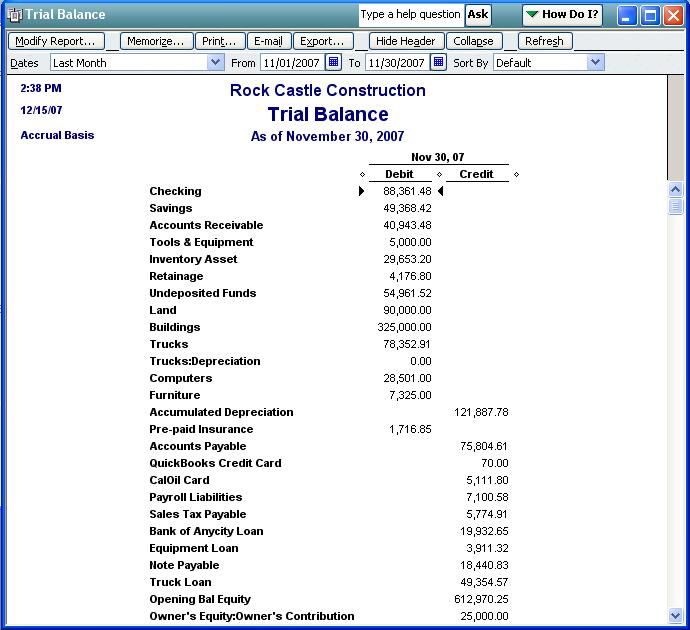
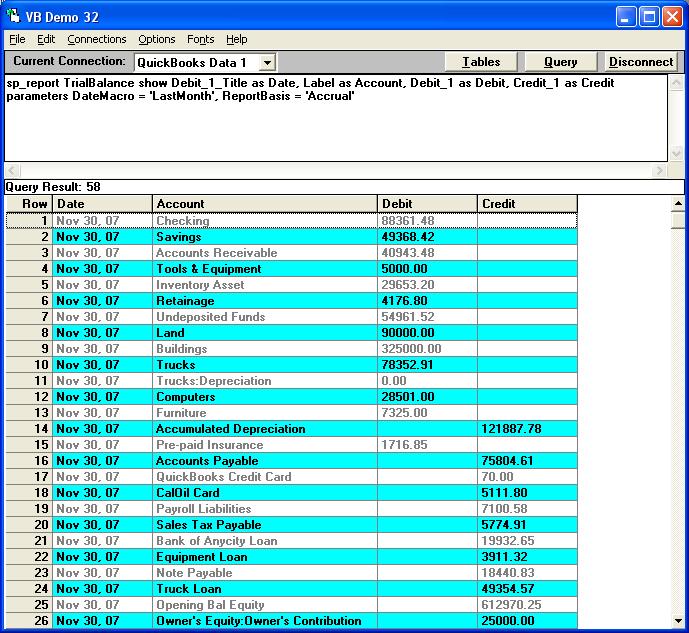
With QODBC the same report can be generated using stored procedure reports like this:
sp_report TrialBalance show Debit_1_Title as Date, Label as Account, Debit_1 as Debit, Credit_1 as Credit
parameters DateMacro = 'LastMonth', ReportBasis = 'Accrual'
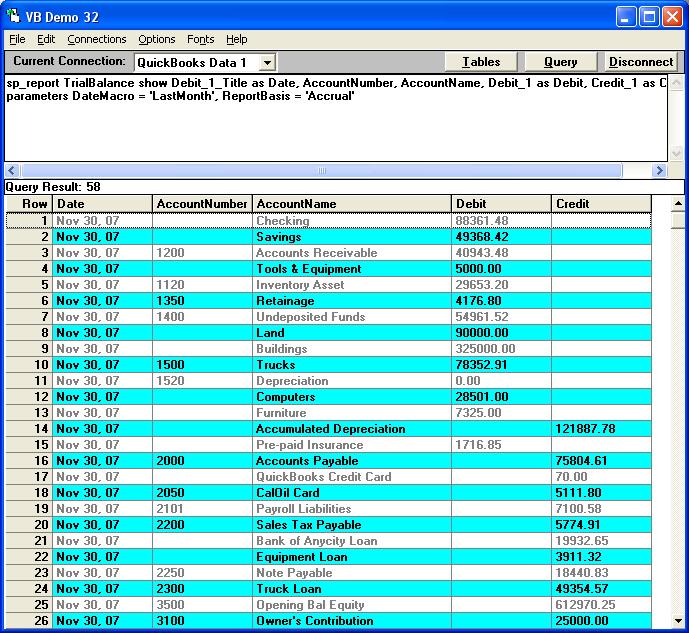
Some QuickBooks users prefer to see the actual Account Number and Account Name:
sp_report TrialBalance show Debit_1_Title as Date, AccountNumber, AccountName, Debit_1 as Debit, Credit_1 as Credit
parameters DateMacro = 'LastMonth', ReportBasis = 'Accrual'
All the predefined DateMacro options available to you are:
|All|Today|ThisWeek|ThisWeekToDate|ThisMonth|ThisMonthToDate|ThisQuarter|ThisQuarterToDate
|ThisYear|ThisYearToDate|Yesterday|LastWeek|LastWeekToDate|LastMonth|LastMonthToDate|LastQuarter
|LastQuarterToDate|LastYear|LastYearToDate|NextWeek|NextFourWeeks|NextMonth|NextQuarter|NextYear|
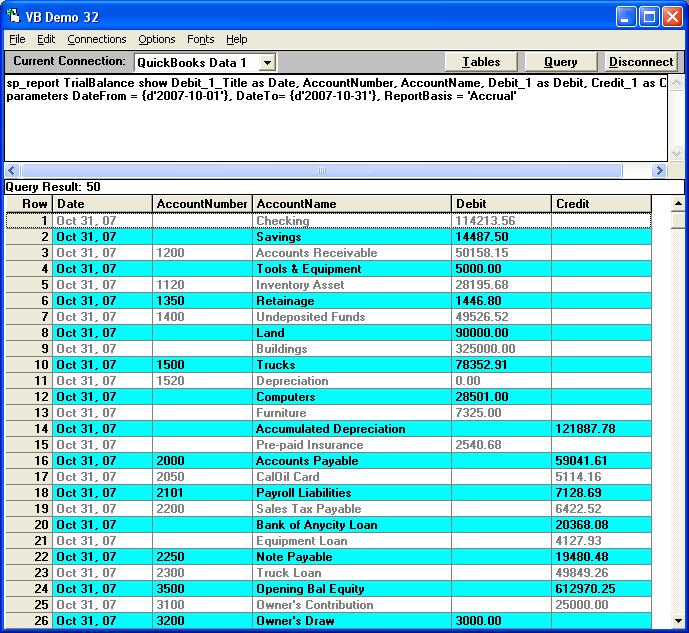
However, you can also extract a Trail Balance for any period like this:
For October, 2007:
sp_report TrialBalance show Debit_1_Title as Date, AccountNumber, AccountName, Debit_1 as Debit, Credit_1 as Credit
parameters DateFrom = {d'2007-10-01'}, DateTo= {d'2007-10-31'}, ReportBasis = 'Accrual'
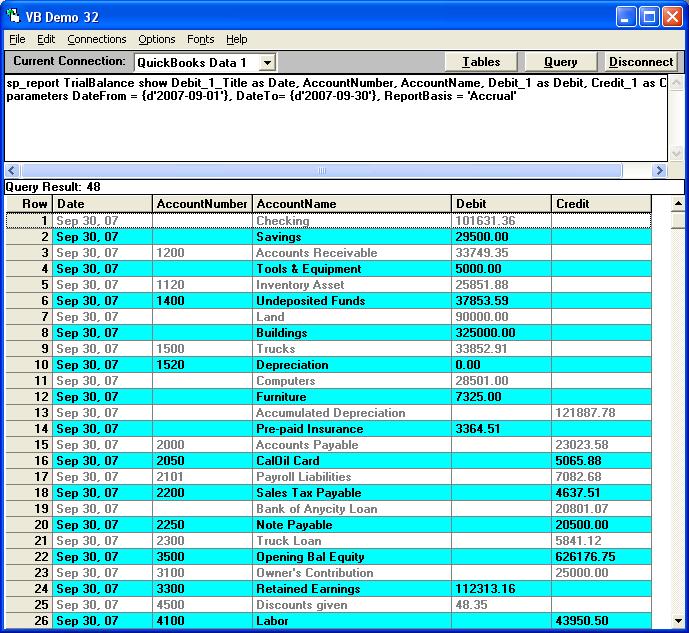
For September, 2007:
sp_report TrialBalance show Debit_1_Title as Date, AccountNumber, AccountName, Debit_1 as Debit, Credit_1 as Credit
parameters DateFrom = {d'2007-09-01'}, DateTo= {d'2007-09-30'}, ReportBasis = 'Accrual'
| 
