It's actually simple, but you need to first create either the Expense or Item lines first and then add the Item or Expense lines afterwards like this:
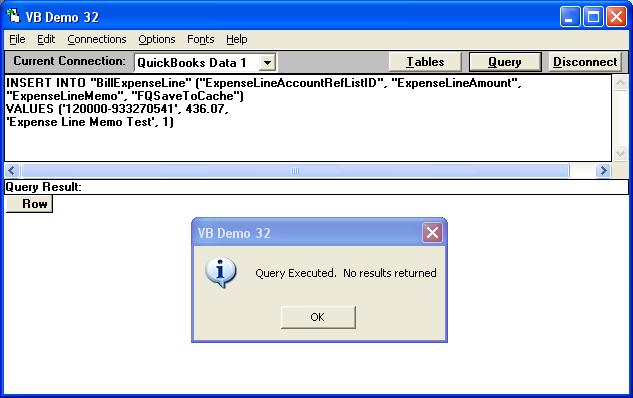
Step 1 - Create the Expense Lines
INSERT INTO "BillExpenseLine" ("ExpenseLineAccountRefListID", "ExpenseLineAmount",
"ExpenseLineMemo", "FQSaveToCache")
VALUES ('120000-933270541', 436.07,
'Expense Line Memo Test', 1)
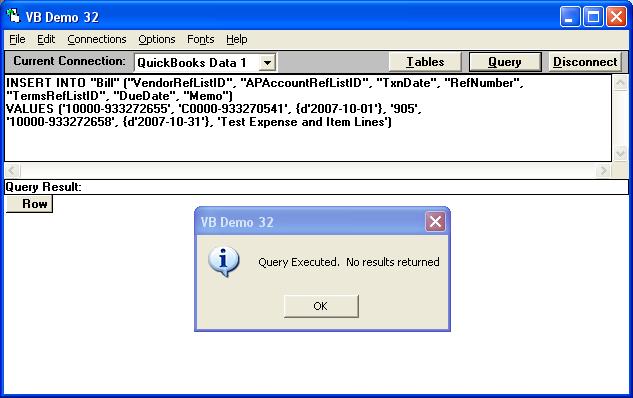
Step 2 - Write the Bill Header
INSERT INTO "Bill" ("VendorRefListID", "APAccountRefListID", "TxnDate", "RefNumber",
"TermsRefListID", "DueDate", "Memo")
VALUES ('10000-933272655', 'C0000-933270541', {d'2007-10-01'}, '905',
'10000-933272658', {d'2007-10-31'}, 'Test Expense and Item Lines')
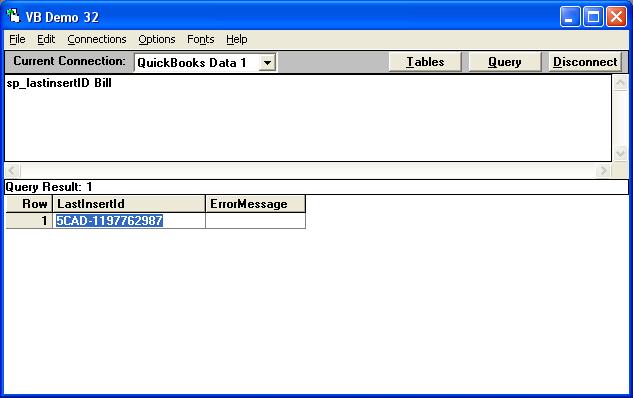
Step 3 - Determine the TxnID of the new Bill
sp_lastinsertID Bill
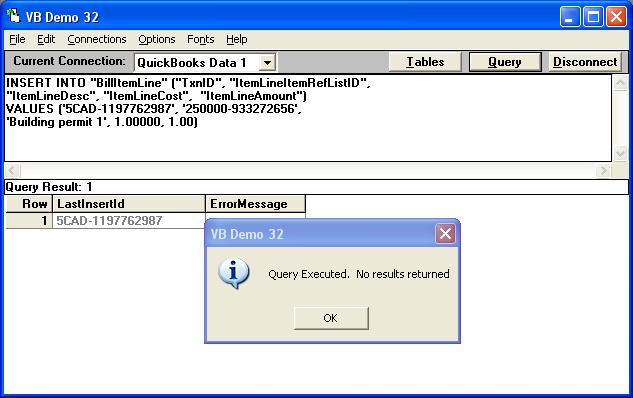
Step 4 - Use the TxnID to append Item lines to the existing Bill
The LastInsertID returned was: 5CAD-1197762987
INSERT INTO "BillItemLine" ("TxnID", "ItemLineItemRefListID",
"ItemLineDesc", "ItemLineCost", "ItemLineAmount")
VALUES ('5CAD-1197762987', '250000-933272656',
'Building permit 1', 1.00000, 1.00)
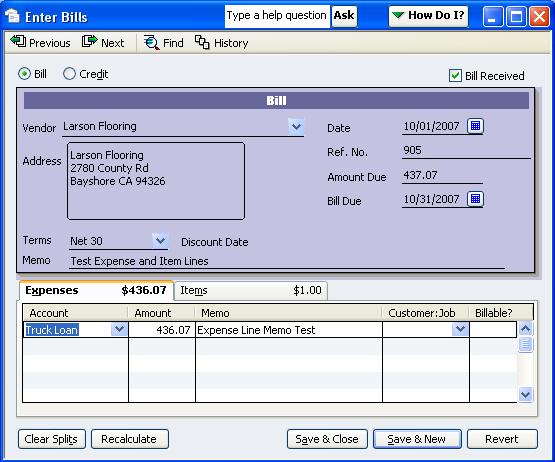
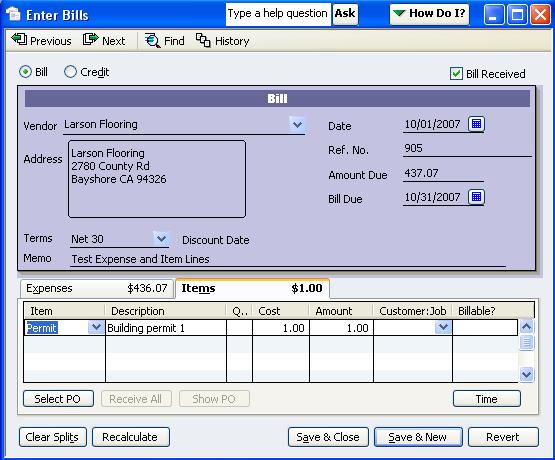
This results in the following Bill in QuickBooks with both a Expense and Item line:
|

