You can pass your DSN on a command line like this:
"C:\Program Files\QODBC Driver for QuickBooks\EditQDSN.exe" QODBC Auto-Login
or you can setup your own desktop shortcut like this:
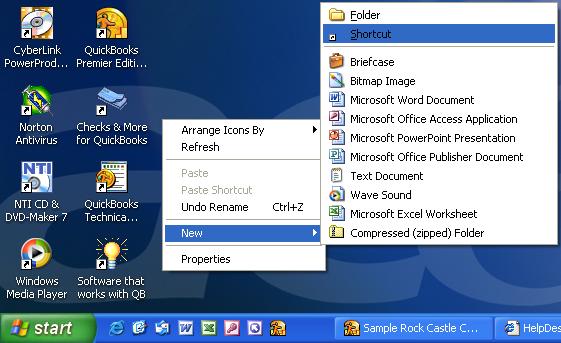
On your desktop, right click your mouse and select new shortcut:
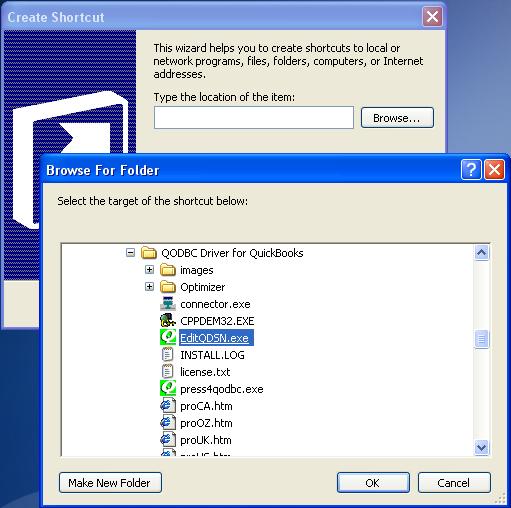
Click on the [ Browse... ] button and locate EditQDSN found in the: C:\Program Files\QODBC Driver for QuickBooks\ folder. Click [ OK ].
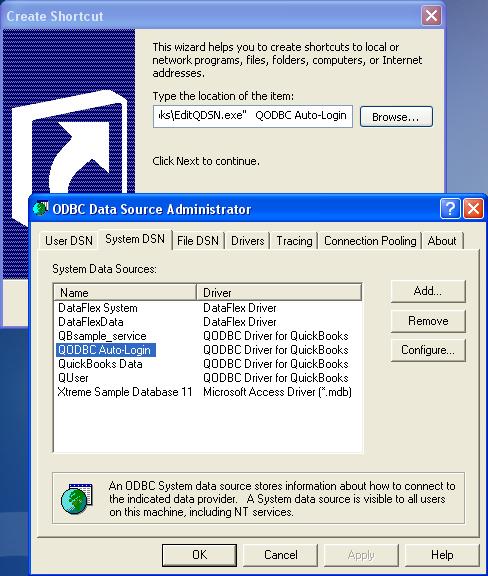
Add your DSN name to end of the item line. Note: The DSN must be a valid QODBC DSN.
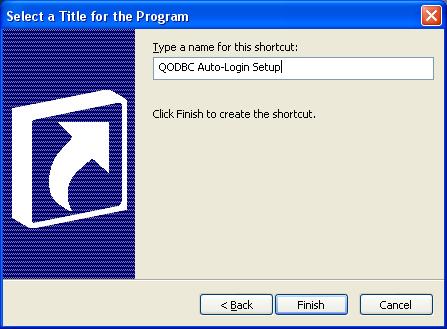
Give the shortcut an appropriate name and click [ Finish ].
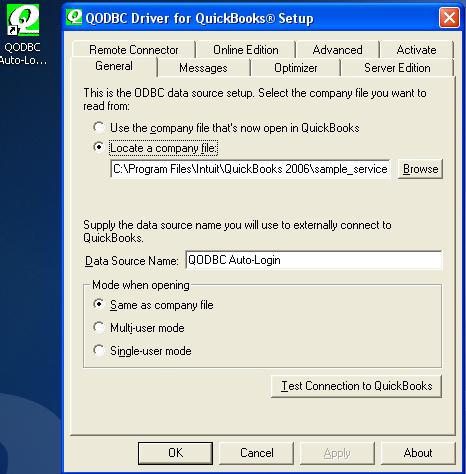
Now when you click on the shortcut, the QODBC Setup screen will open your DSN instead on the default QuickBooks Data DSN.
See also: How do I create or configure a QODBC DSN? | 
