Member Login

Username
Password
Forget Password
New Sign Up
Search Forum

Buy Support
Incidents

If you can't find your answer in the FREE PUBLIC QDeveloper Forum, require URGENT Priority Support, or you need to send us private or confidential information:

Click Here
If you can't login and post questions or you are having trouble viewing forum posts:
Click Here
Callback
Support

If you live in USA, UK, Canada, Australia or New Zealand, you can leave us details on your question and request us to call you back and discuss them with you personally  (charges apply).

Click Here
 
Buy Support
Incidents
If you can't find your answer in the FREE PUBLIC QDeveloper Forum, require URGENT Priority Support, or you need to send us private or confidential information:
Click Here

Forum : Bill with Expense line and item lineSearch Forum

Forum Home > QODBC - ODBC Driver for QuickBooks > QODBC v7 Forum

 New Topic 
 
 Post Reply 
[1]  
 Bill with Expense line and item line 
 Author   Message 
  Pamela 
  
 Group: Members 
 Posts: 11 
 Joined: 2007-06-20 
 Profile
 Posted : 2007-09-22 05:10:17

How do import a Bill with both item entries and expense entries.  I see the tables and understand how to push the data in but not how the link is created betweeen entries in BillExpenseLine and BillItemLine tables so that in QB they are the same bill but on the different tabs.

Thanks


  Top 
  Tom 
  6c3c1_sdk-qodbc.gif
 Group: Administrator 
 Posts: 5510 
 Joined: 2006-02-17 
 Profile
 Posted : 2007-09-22 09:55:47

It's actually simple, but you need to first create either the Expense or Item lines first and then add the Item or Expense lines afterwards like this:

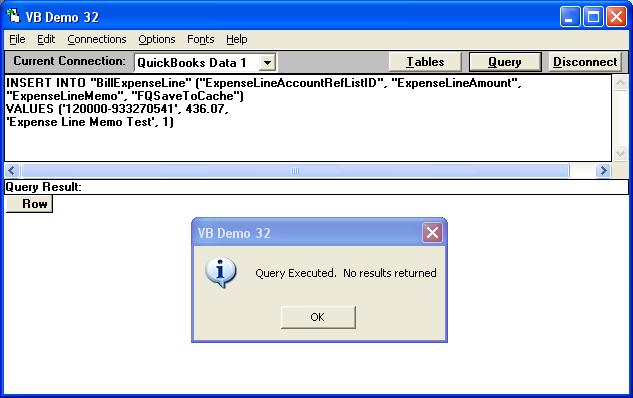
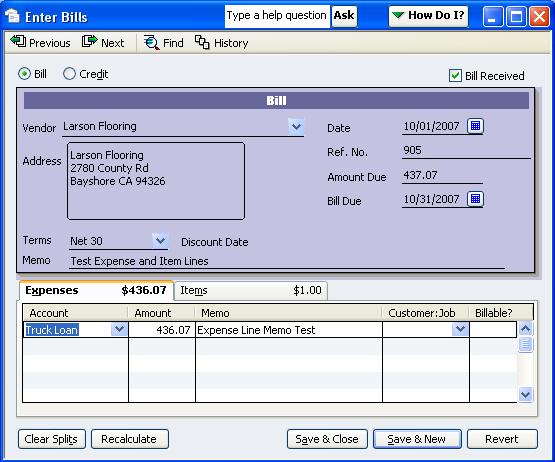
Step 1 - Create the Expense Lines
INSERT INTO "BillExpenseLine" ("ExpenseLineAccountRefListID", "ExpenseLineAmount", 
"ExpenseLineMemo", "FQSaveToCache")
VALUES ('120000-933270541', 436.07,
'Expense Line Memo Test', 1)
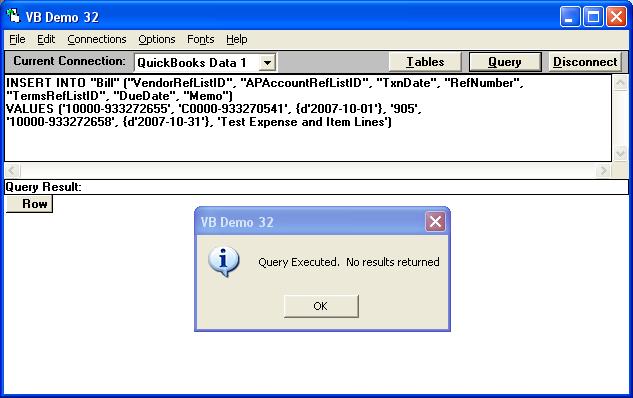
Step 2 - Write the Bill Header
INSERT INTO "Bill" ("VendorRefListID", "APAccountRefListID", "TxnDate", "RefNumber",
"TermsRefListID", "DueDate", "Memo")
VALUES ('10000-933272655', 'C0000-933270541', {d'2007-10-01'}, '905',
'10000-933272658', {d'2007-10-31'}, 'Test Expense and Item Lines')
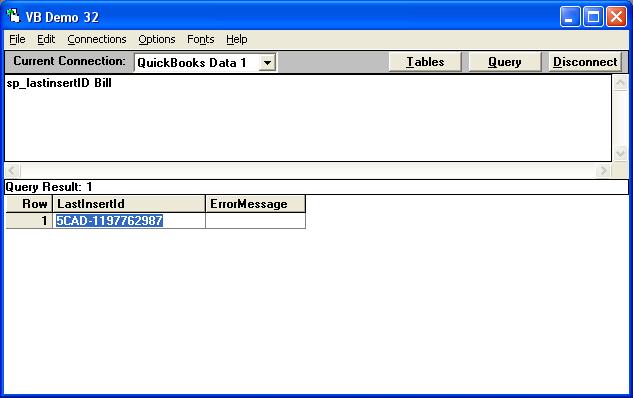
Step 3 - Determine the TxnID of the new Bill
sp_lastinsertID Bill
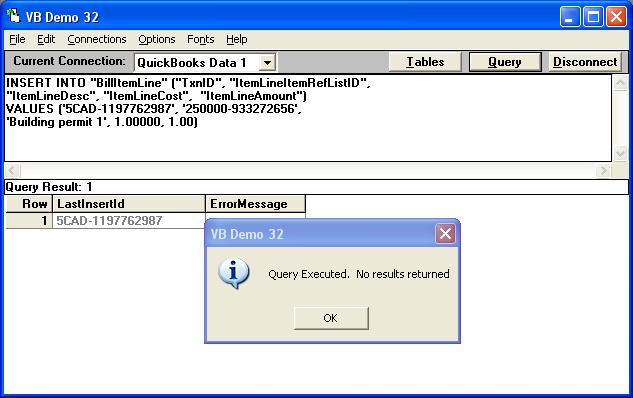
Step 4 - Use the TxnID to append Item lines to the existing Bill
The LastInsertID returned was: 5CAD-1197762987

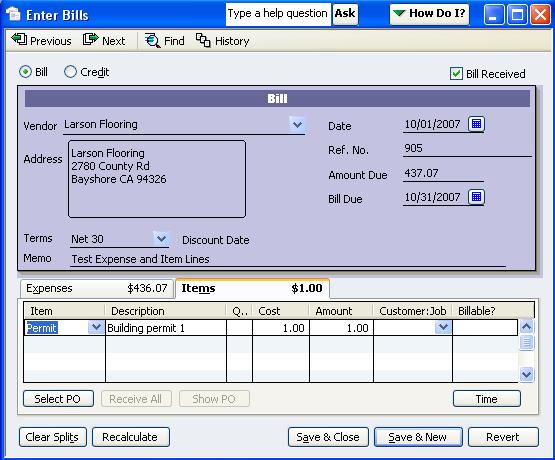
INSERT INTO "BillItemLine" ("TxnID", "ItemLineItemRefListID",
"ItemLineDesc", "ItemLineCost",  "ItemLineAmount")
VALUES ('5CAD-1197762987', '250000-933272656',
'Building permit 1', 1.00000, 1.00)
This results in the following Bill in QuickBooks with both a Expense and Item line:


  Top 
  Pamela 
  
 Group: Members 
 Posts: 11 
 Joined: 2007-06-20 
 Profile
 Posted : 2007-09-27 01:44:06

The documentation states that the TxnId is not insertable.  I haven't tried it yet but am wondering to you mean the first field in the record TXNID ?


  Top 
  Tom 
  6c3c1_sdk-qodbc.gif
 Group: Administrator 
 Posts: 5510 
 Joined: 2006-02-17 
 Profile
 Posted : 2007-09-27 08:13:22
Correct, but TxnIDs can be used to link appended transactions. 

  Top 
 New Topic 
 
 Post Reply 
[1]  

Jump to

